Global Shipping
NEW
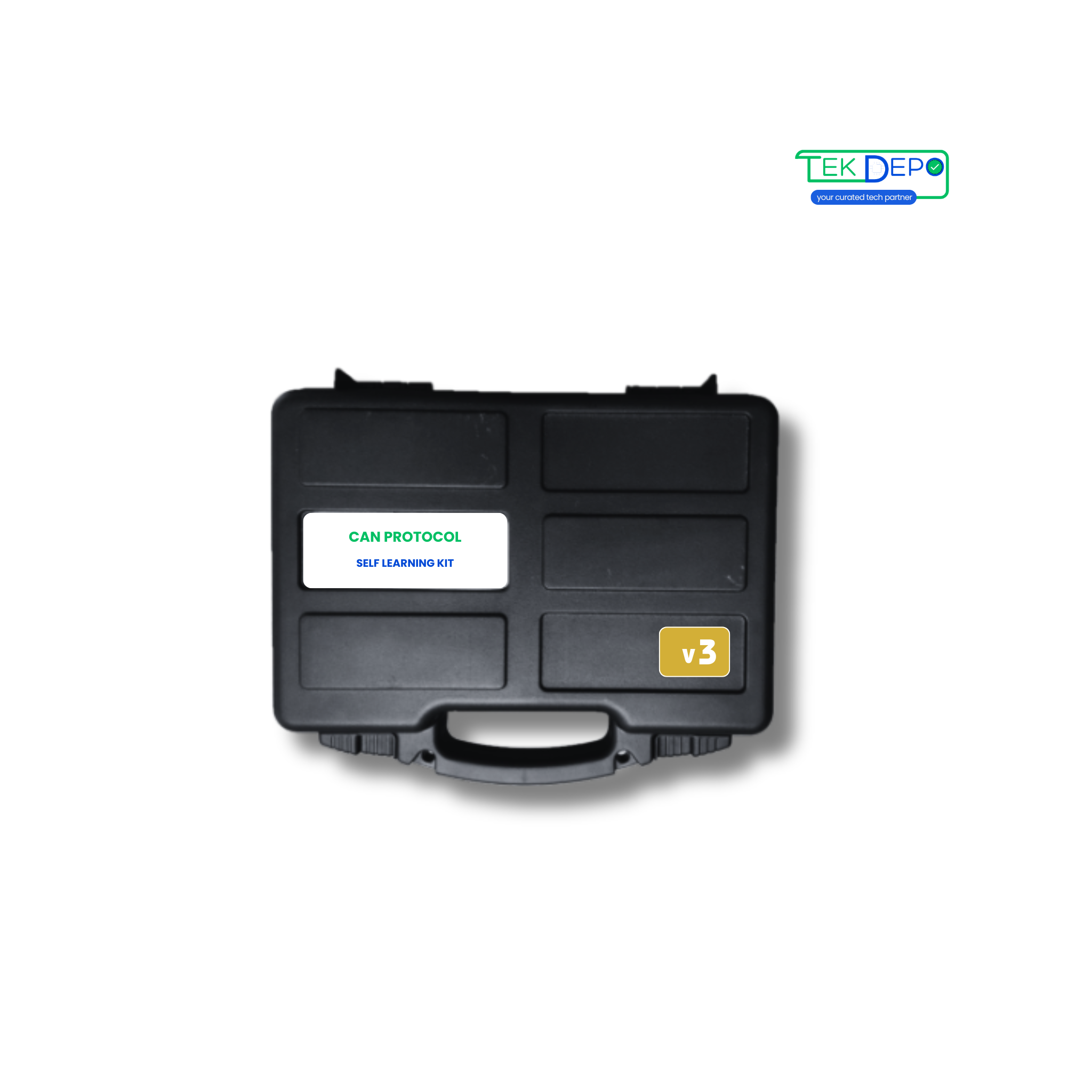
Learn CAN Bus fundamentals with the CAN Self-Learning Kit V1. Ideal for beginners to explore CAN 2.0A/2.0B communication and diagnostics.
Need bulk pricing or technical details? Express Interest
Discover how this device can transform your daily operations.


Master the fundamentals of CAN 2.0A and 2.0B communication. Use the single configurable node alongside the USB converter to establish your first local bus network and capture live data frames.
Explore Learning Modules → Eliminate complex coding during early stages. Utilize the included Unimod configuration software to easily set baud rates (up to 1 MBPS), apply message ID filters, and define payload structures via a modern graphical interface.
Bridge physical hardware with digital networks. Connect external sensors to the node's analog and digital I/Os, observing how physical voltage changes are packaged into CAN frames in real-time.
Simulate standard bus errors in a safe, offline environment. Monitor LED indicators for I/O states and utilize the bidirectional communication to analyze dropped frames and termination faults.
Prototype standalone automotive or industrial components. Configure the single node to broadcast continuous simulated sensor data across the bus, allowing your PC software to log and react to the traffic.
Simulation Tools →Can't find what you're looking for?
Chat to supportThe CAN Self Learning Kit Version 1 is an entry-level educational kit designed to introduce users to CAN bus communication, diagnostics, and basic network analysis using a single configurable CAN node.
This version is ideal for students, beginners, and educators who want a simple and affordable way to learn CAN bus fundamentals without complex multi-node setups.
Version 1 includes one configurable CAN node, allowing users to configure baud rate, message IDs, and basic CAN communication parameters.
Yes, the kit fully supports both CAN 2.0A (standard) and CAN 2.0B (extended) protocols.
Basic electronics knowledge is recommended, but beginners can get started using the provided GUI tools and documentation.
This kit is commonly used for CAN bus learning, basic message monitoring, and introductory CAN communication experiments.






%20--%3e%3csvg%20width='373.33'%20height='266.67'%20version='1.1'%20viewBox='0%200%20373.33%20266.67'%20xmlns='http://www.w3.org/2000/svg'%3e%3cg%3e%3cpath%20d='m115%20102v-34h-19c-29%200-57.123%2020.671-57%2057%200.1264%2037.323%2032.891%2057%2057%2057h19v-34h-18c-12%200-19-13.056-19-23s7-23%2019-23z'%20fill='%2305734e'/%3e%3cpath%20d='m126%20182%200.78575-74.859c0.28452-27.106%2023.335-40.531%2043.214-41.141%2019.104-0.58621%2043.878%2013.488%2043.874%2036.915l0.12567%2079.085h-35l0.14189-34.989-11.142-0.0113v-30h11v-10c0-6-3.9861-9-8-9s-8%203-8%209v75z'%20fill='%2305734e'/%3e%3cpath%20d='m230%20182h37l-0.48551-46.395%2020.566%2040.081c3.6502%207.1138%2013.323%209.7748%2020.506%208.1763%208.1383-1.8111%2017.166-5.942%2017.112-18.242l-0.42622-97.967-35.413%200.22648%200.21644%2047.345-18.434-36.753c-4.8253-9.6208-13.714-13.89-22.296-13.093-7.6008%200.7057-17.232%207.3654-17.275%2015.034z'%20fill='%2304744e'/%3e%3c/g%3e%3c/svg%3e)




Discover more products you might be interested in
Compare products, specs, and deployment requirements easily
'%20fill='%23b3b3b3'%3e%3cg%20transform='translate(112)'%3e%3crect%20y='86'%20width='16'%20height='10'%20ry='2'/%3e%3crect%20y='41'%20width='16'%20height='10'%20ry='2'/%3e%3crect%20y='18.5'%20width='16'%20height='10'%20ry='2'/%3e%3crect%20y='-4'%20width='16'%20height='10'%20ry='2'/%3e%3crect%20y='63.5'%20width='16'%20height='10'%20ry='2'/%3e%3c/g%3e%3cg%20transform='matrix(0%201.25%20-.8%200%20100.82%20106.02)'%3e%3crect%20y='86'%20width='16'%20height='10'%20ry='2'/%3e%3crect%20y='41'%20width='16'%20height='10'%20ry='2'/%3e%3crect%20y='18.5'%20width='16'%20height='10'%20ry='2'/%3e%3crect%20y='-4'%20width='16'%20height='10'%20ry='2'/%3e%3crect%20y='63.5'%20width='16'%20height='10'%20ry='2'/%3e%3c/g%3e%3crect%20y='86'%20width='16'%20height='10'%20ry='2'/%3e%3crect%20y='41'%20width='16'%20height='10'%20ry='2'/%3e%3crect%20y='18.5'%20width='16'%20height='10'%20ry='2'/%3e%3crect%20y='-4'%20width='16'%20height='10'%20ry='2'/%3e%3crect%20y='63.5'%20width='16'%20height='10'%20ry='2'/%3e%3cg%20transform='matrix(0%201.25%20-.8%200%20100.82%20-33.979)'%3e%3crect%20y='86'%20width='16'%20height='10'%20ry='2'/%3e%3crect%20y='41'%20width='16'%20height='10'%20ry='2'/%3e%3crect%20y='18.5'%20width='16'%20height='10'%20ry='2'/%3e%3crect%20y='-4'%20width='16'%20height='10'%20ry='2'/%3e%3crect%20y='63.5'%20width='16'%20height='10'%20ry='2'/%3e%3c/g%3e%3crect%20x='14'%20y='-17.5'%20width='100'%20height='126'%20ry='3.8'%20fill='%23000'/%3e%3cpath%20d='M85.3%2061.1C81.1%2070.4%2073.1%2076.6%2064%2076.6c-13.5%200-24.5-13.7-24.5-30.6s11-30.6%2024.5-30.6c9.1%200%2017.1%206.3%2021.3%2015.6l13-9.4C91.5%206.7%2078.7-3.4%2064-3.4%2042.2-3.4%2024.5%2018.7%2024.5%2046S42.2%2095.4%2064%2095.4c14.6%200%2027.4-10%2034.2-24.7z'%20fill='%23fff'/%3e%3cellipse%20cx='23'%20cy='-5.2'%20rx='3'%20ry='3.8'%20fill='%23fff'/%3e%3c/g%3e%3c/svg%3e)