Global Shipping
NEW
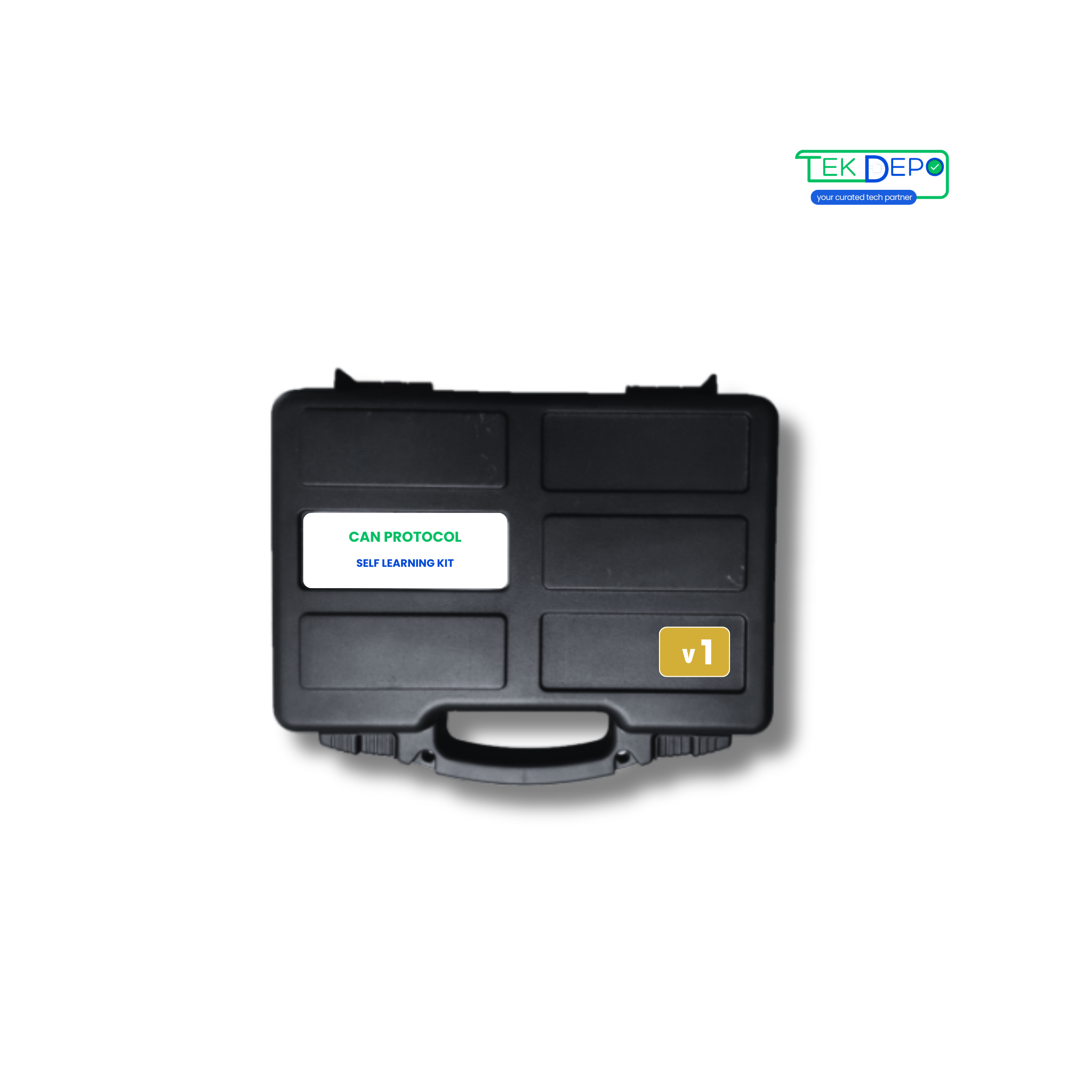
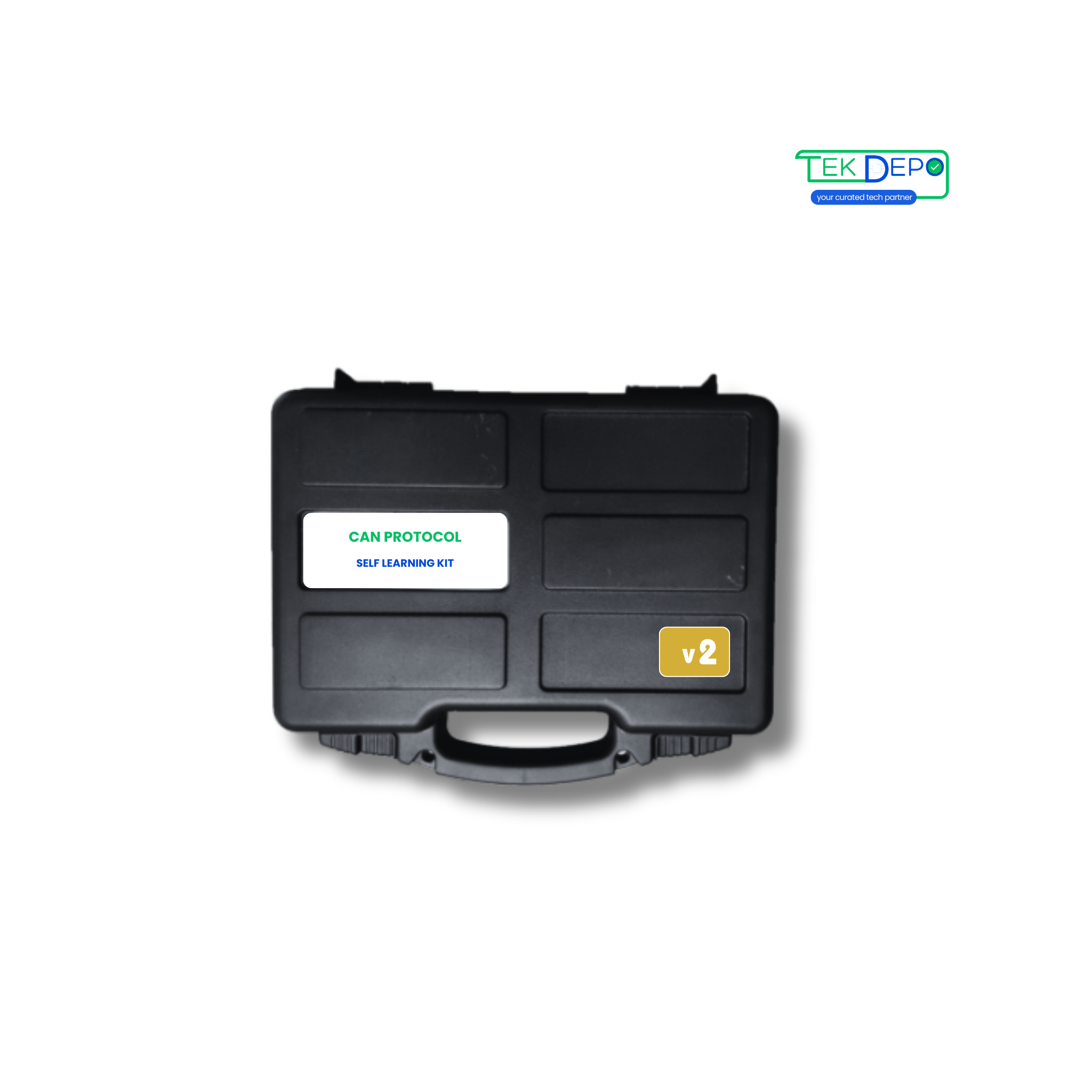
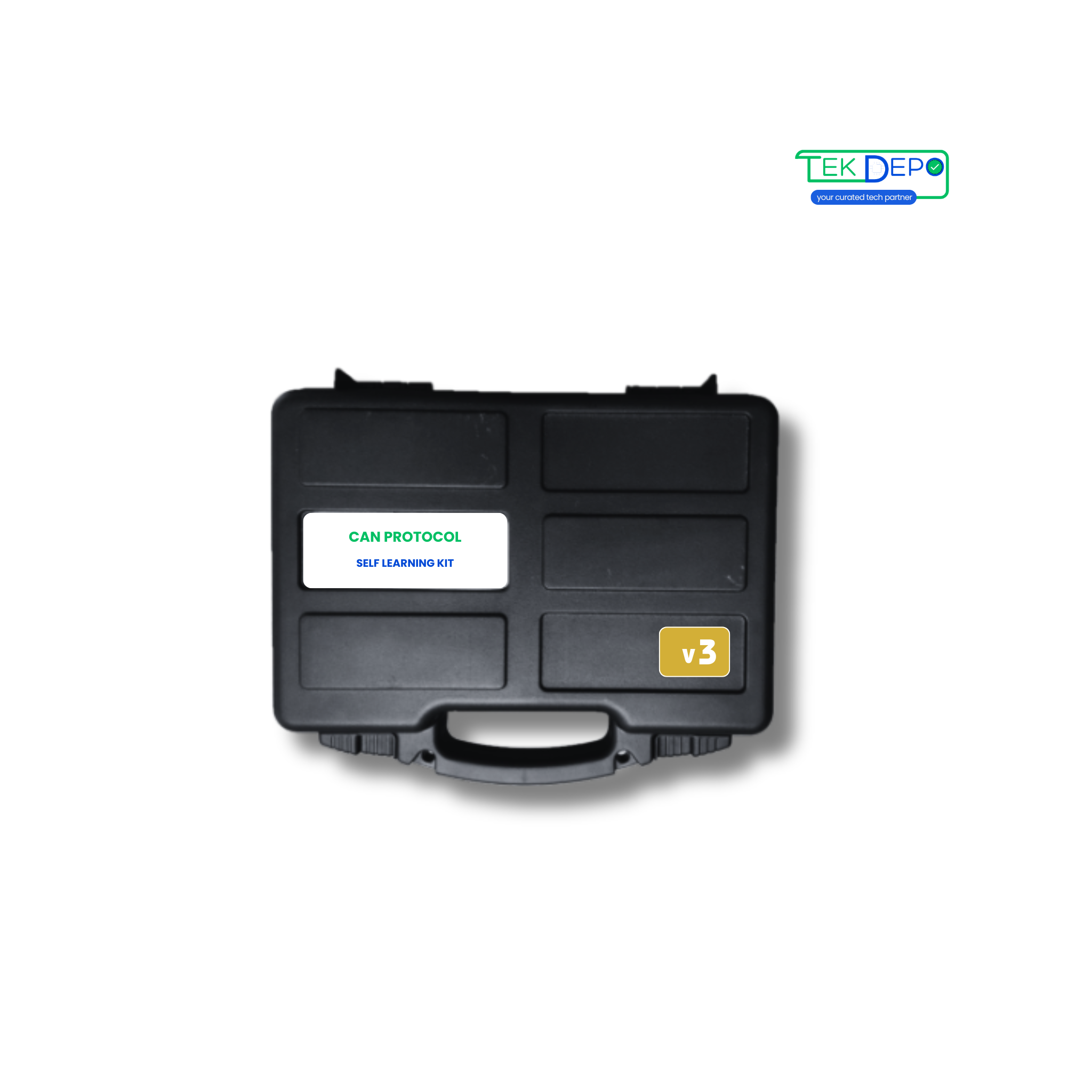
Advance your CAN Bus learning with the CAN Self-Learning Kit V2. Designed for intermediate users to explore multi-node CAN 2.0A/2.0B communication and network analysis.
Need bulk pricing or technical details? Express Interest
Discover how this device can transform your daily operations.


Experience true peer-to-peer network dynamics. Utilize both configurable nodes to exchange CAN 2.0A/B messages, observing real-time arbitration, frame acknowledgments, and traffic collision avoidance.
Network Architecture → Trigger an action on one node based on inputs from another. Map the 8 digital inputs of Node A to toggle the 8 digital outputs of Node B across the CAN bus, replicating real-world decentralized control systems.
Intentionally introduce wiring faults or remove the optional termination adapter between the two nodes to observe error frame generation, bus-off states, and network recovery mechanisms.
Leverage the included USB hub and CAN to USB converter to sniff traffic passing between the two active nodes. Use the Unimod GUI to filter messages by ID and analyze raw payload data.
Saturate the local bus by configuring both nodes to broadcast data at high frequencies. Test system robustness and throughput stability in environments ranging from -20°C to 85°C.
Benchmarking Solutions →Can't find what you're looking for?
Chat to supportVersion 2 of the CAN Self Learning Kit is designed for users who want hands-on experience with CAN communication using two configurable CAN nodes for real network interaction.
Version 2 includes two configurable CAN nodes, allowing users to create a complete CAN network and observe message transmission between nodes.
This version is ideal for engineering students, trainers, and professionals who want practical experience with multi-node CAN communication.
Yes, with two nodes available, users can simulate communication faults, baud rate mismatches, and message filtering scenarios.
The kit supports both CAN 2.0A and CAN 2.0B standards.
Yes, the kit includes GUI-based configuration and CAN monitoring software for easy setup and learning.





%20--%3e%3csvg%20width='373.33'%20height='266.67'%20version='1.1'%20viewBox='0%200%20373.33%20266.67'%20xmlns='http://www.w3.org/2000/svg'%3e%3cg%3e%3cpath%20d='m115%20102v-34h-19c-29%200-57.123%2020.671-57%2057%200.1264%2037.323%2032.891%2057%2057%2057h19v-34h-18c-12%200-19-13.056-19-23s7-23%2019-23z'%20fill='%2305734e'/%3e%3cpath%20d='m126%20182%200.78575-74.859c0.28452-27.106%2023.335-40.531%2043.214-41.141%2019.104-0.58621%2043.878%2013.488%2043.874%2036.915l0.12567%2079.085h-35l0.14189-34.989-11.142-0.0113v-30h11v-10c0-6-3.9861-9-8-9s-8%203-8%209v75z'%20fill='%2305734e'/%3e%3cpath%20d='m230%20182h37l-0.48551-46.395%2020.566%2040.081c3.6502%207.1138%2013.323%209.7748%2020.506%208.1763%208.1383-1.8111%2017.166-5.942%2017.112-18.242l-0.42622-97.967-35.413%200.22648%200.21644%2047.345-18.434-36.753c-4.8253-9.6208-13.714-13.89-22.296-13.093-7.6008%200.7057-17.232%207.3654-17.275%2015.034z'%20fill='%2304744e'/%3e%3c/g%3e%3c/svg%3e)



Discover more products you might be interested in
Compare products, specs, and deployment requirements easily
'%20fill='%23b3b3b3'%3e%3cg%20transform='translate(112)'%3e%3crect%20y='86'%20width='16'%20height='10'%20ry='2'/%3e%3crect%20y='41'%20width='16'%20height='10'%20ry='2'/%3e%3crect%20y='18.5'%20width='16'%20height='10'%20ry='2'/%3e%3crect%20y='-4'%20width='16'%20height='10'%20ry='2'/%3e%3crect%20y='63.5'%20width='16'%20height='10'%20ry='2'/%3e%3c/g%3e%3cg%20transform='matrix(0%201.25%20-.8%200%20100.82%20106.02)'%3e%3crect%20y='86'%20width='16'%20height='10'%20ry='2'/%3e%3crect%20y='41'%20width='16'%20height='10'%20ry='2'/%3e%3crect%20y='18.5'%20width='16'%20height='10'%20ry='2'/%3e%3crect%20y='-4'%20width='16'%20height='10'%20ry='2'/%3e%3crect%20y='63.5'%20width='16'%20height='10'%20ry='2'/%3e%3c/g%3e%3crect%20y='86'%20width='16'%20height='10'%20ry='2'/%3e%3crect%20y='41'%20width='16'%20height='10'%20ry='2'/%3e%3crect%20y='18.5'%20width='16'%20height='10'%20ry='2'/%3e%3crect%20y='-4'%20width='16'%20height='10'%20ry='2'/%3e%3crect%20y='63.5'%20width='16'%20height='10'%20ry='2'/%3e%3cg%20transform='matrix(0%201.25%20-.8%200%20100.82%20-33.979)'%3e%3crect%20y='86'%20width='16'%20height='10'%20ry='2'/%3e%3crect%20y='41'%20width='16'%20height='10'%20ry='2'/%3e%3crect%20y='18.5'%20width='16'%20height='10'%20ry='2'/%3e%3crect%20y='-4'%20width='16'%20height='10'%20ry='2'/%3e%3crect%20y='63.5'%20width='16'%20height='10'%20ry='2'/%3e%3c/g%3e%3crect%20x='14'%20y='-17.5'%20width='100'%20height='126'%20ry='3.8'%20fill='%23000'/%3e%3cpath%20d='M85.3%2061.1C81.1%2070.4%2073.1%2076.6%2064%2076.6c-13.5%200-24.5-13.7-24.5-30.6s11-30.6%2024.5-30.6c9.1%200%2017.1%206.3%2021.3%2015.6l13-9.4C91.5%206.7%2078.7-3.4%2064-3.4%2042.2-3.4%2024.5%2018.7%2024.5%2046S42.2%2095.4%2064%2095.4c14.6%200%2027.4-10%2034.2-24.7z'%20fill='%23fff'/%3e%3cellipse%20cx='23'%20cy='-5.2'%20rx='3'%20ry='3.8'%20fill='%23fff'/%3e%3c/g%3e%3c/svg%3e)