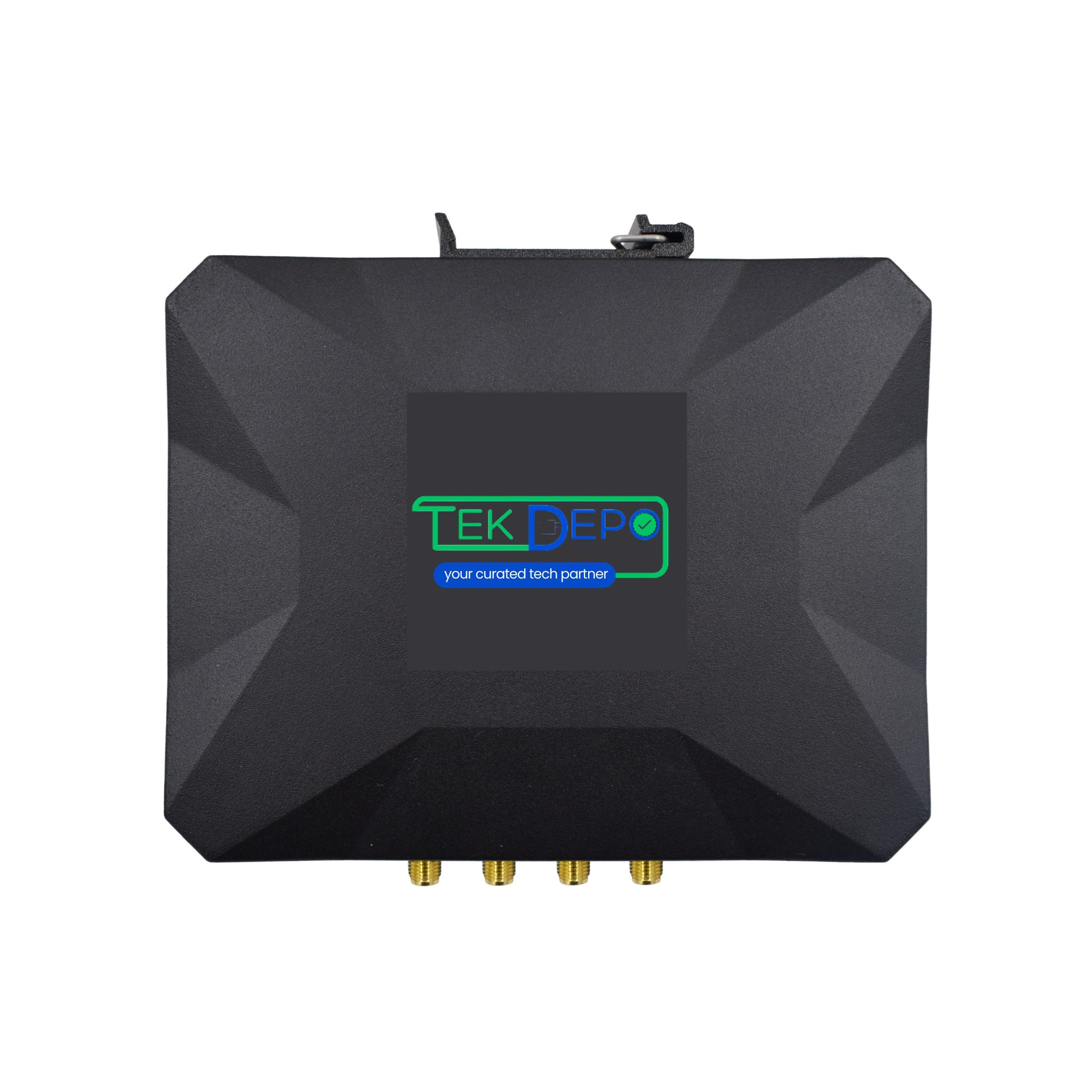
Support for 5G SIM WiFi Router
Learn how to get started with 5G SIM WiFi Router, explore manuals, downloads, and troubleshooting below.
Downloads
Get the latest documentation, drivers, and software tools for your device.
No downloads available
There are currently no downloadable resources, manuals, or software available for this product.
Troubleshooting Wizard
Select the issue you are facing to see step-by-step solutions.
Tutorial Videos
Watch visual guides for installation, configuration, and troubleshooting.
Content Uploading Soon
Our product team is currently producing video tutorials for 5G SIM WiFi Router product. Check back shortly!
Technical Specifications
Network & Connectivity
- Cellular Network
- 5G public network connectivity
- WiFi Bands
- Dual-band WiFi 2.4GHz and 5.8GHz
- Ethernet Ports
- Ethernet WAN/LAN ports
- SIM Support
- SIM card slot for cellular connectivity
Interfaces
- Serial Ports
- RS232 and RS485
- Wireless Interface
- Integrated WiFi module
- LAN/WAN Interface
- RJ45 Ethernet WAN/LAN
Hardware & System
- CPU
- Industrial-grade 32-bit processor
- Wireless Module
- Industrial-grade cellular module
- Operating System
- Embedded industrial operating system
- System Protection
- Watchdog design with automatic recovery mechanisms
Mechanical & Environmental
- Enclosure
- Metal housing with IP30 protection
- Operating Environment
- Designed for harsh industrial conditions
- Mounting Options
- Suitable for panel or DIN-rail mounting
Security & Reliability
- Network Security
- Firewall, secure routing, and protected data transmission
- Operational Stability
- Designed for continuous 24/7 operation
Applications
- Industrial IoT
- Smart factories and industrial automation
- M2M Communication
- Machine-to-machine data transmission
- Infrastructure
- Smart grids, transportation, and utilities
FAQs 5G SIM WiFi Router
Can't find what you're looking for?
Chat to supportIt provides wireless internet connectivity using a 5G cellular network.
Insert a SIM card, power the device, and configure WiFi settings.
Multiple devices can connect depending on network conditions.
Signal quality depends on network coverage and router placement.
Firmware updates and periodic checks are recommended.
Need Human Support?
Our experts are ready to help. Schedule a dedicated support session.