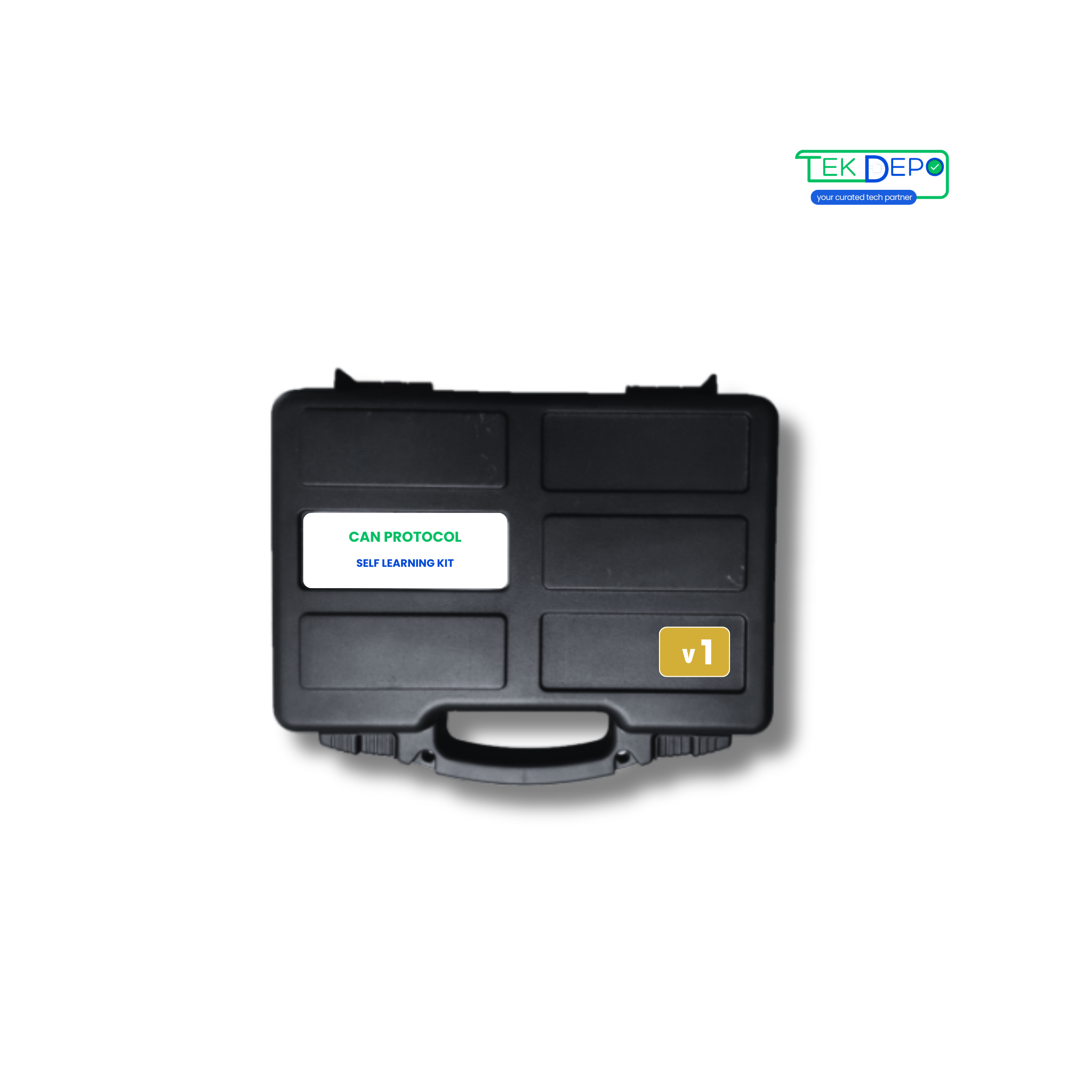
Support for CAN Protocol Self Learning Kit v1
Learn how to get started with CAN Protocol Self Learning Kit v1, explore manuals, downloads, and troubleshooting below.
Downloads
Get the latest documentation, drivers, and software tools for your device.
No software or drivers required.
No integration tools available.
Request integration support →Troubleshooting Wizard
Select the issue you are facing to see step-by-step solutions.
Tutorial Videos
Watch visual guides for installation, configuration, and troubleshooting.
Content Uploading Soon
Our product team is currently producing video tutorials for CAN Protocol Self Learning Kit v1 product. Check back shortly!
Technical Specifications
Kit Contents
- CAN Nodes (1 Configurable)
- CAN Bus to USB Converter
- USB Cables
- USB 3.0 Hub
- Connecting wires & jumpers (removable)
- Termination adapter (optional)
Technical Specifications
- Power Supply
- Powered through USB
- PC Communication
- Compatible with USB 2.0
- Inputs
- Digital – 8; Analog – 4
- Outputs
- Digital – 8; Analog – 2
- CAN Communication
- On-board CAN bus connection, 3-pin each
- Baud Rate - CAN Bus
- Supports up to 1 MBPS
- Communication Mode
- Bidirectional
- CAN Bus Version Support
- Compliant with CAN Specifications 2.0A and 2.0B
- Indicators
- LEDs for configuration, digital & analog output
- Operating Condition
- Operating temperature range from -20 to 85 °C
Key Features
- GUI – Unimod (configuration software) and CAN Bus application
- Inbuilt debugger for custom C code development and debugging
- GUI-based CAN configurations including baud rate, filters, message IDs, and analog & digital I/Os
Applications
- CAN bus fault testing
- CAN 2.0A and CAN 2.0B monitoring
- CAN bus learning and hands-on practice
- CAN bus network analysis and troubleshooting
FAQs CAN Protocol Self Learning Kit v1
Can't find what you're looking for?
Chat to supportIt is an entry-level kit designed to introduce CAN bus communication concepts.
You can learn CAN bus basics, message transmission, and basic troubleshooting.
Setup involves connecting the modules, powering the kit, and following the learning guide.
It is ideal for beginners and students starting with CAN communication.
Yes, support and documentation are available from TEK DEPO.
Need Human Support?
Our experts are ready to help. Schedule a dedicated support session.