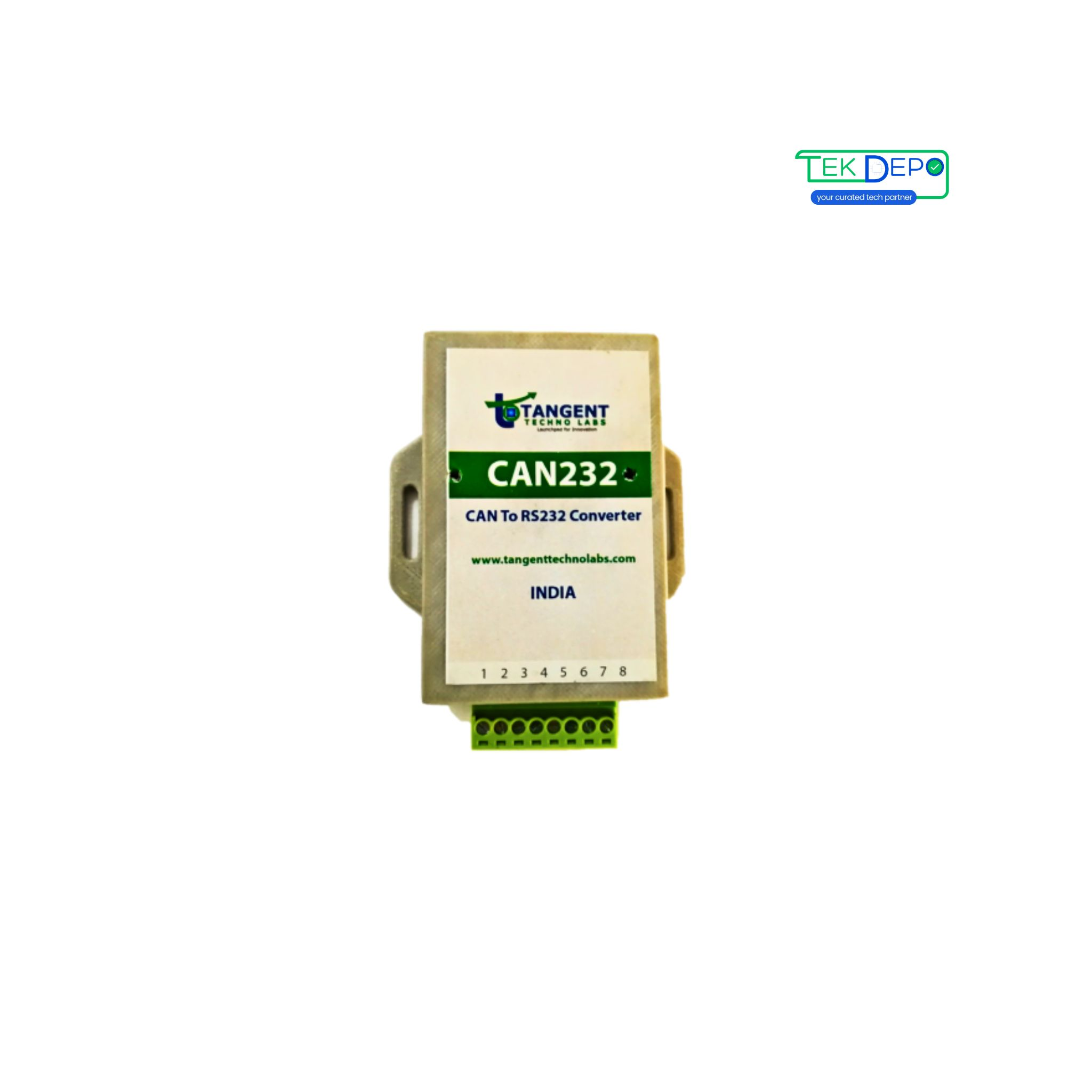
Support for CAN to RS232 Converter
Learn how to get started with CAN to RS232 Converter, explore manuals, downloads, and troubleshooting below.
Downloads
Get the latest documentation, drivers, and software tools for your device.
Troubleshooting Wizard
Select the issue you are facing to see step-by-step solutions.
Tutorial Videos
Watch visual guides for installation, configuration, and troubleshooting.
Content Uploading Soon
Our product team is currently producing video tutorials for CAN to RS232 Converter product. Check back shortly!
Technical Specifications
Technical Specifications
- Power Supply
- 10 to 30V DC.
- UART Communication
- UART connection via Terminal Connector, 8-pin.
- CAN Communication
- CAN bus connection via Terminal Connector, 8-pin.
- Baud Rate - CAN Bus
- Supports up to 1 MBPS.
- Baud Rate - UART
- Support up to 11520 BPS.
- Operating Condition
- Operating temperature range from -40 to 85 °C.
- Communication Mode
- Bidirectional.
- CAN Bus Version Support
- Compliant with CAN Specifications 2.0A and 2.0B.
Key Features
- Easy and quick connection to CAN networks and CAN devices.
- Small size and compact plastic casing.
- LEDs to indicate CAN & RS232 traffic.
- Configuration tool for user settings – CAN Baud rate, CAN filters, RS232 Baud rate, etc.
Typical Applications
- CAN Network Analysis & Troubleshooting.
- Battery Management System.
- Vehicle Network Analysis & Troubleshooting.
- CAN 2.0A and CAN 2.0B Machines Monitoring.
FAQs CAN to RS232 Converter
Can't find what you're looking for?
Chat to supportIt allows CAN bus devices to communicate with RS232-based systems such as PCs and legacy controllers.
A standard RS232 serial cable is used, ensuring correct TX, RX, and ground connections.
RS232 is recommended for short distances only; for longer distances, RS485 is preferred.
Configuration includes setting CAN parameters and RS232 serial settings using the provided utility or software.
Incorrect baud rates, loose connections, or electrical noise can cause data errors.
Need Human Support?
Our experts are ready to help. Schedule a dedicated support session.