Support for CAN to USB Analyzer
Learn how to get started with CAN to USB Analyzer, explore manuals, downloads, and troubleshooting below.
Downloads
Get the latest documentation, drivers, and software tools for your device.
No software or drivers required.
No integration tools available.
Request integration support →Troubleshooting Wizard
Select the issue you are facing to see step-by-step solutions.
Tutorial Videos
Watch visual guides for installation, configuration, and troubleshooting.
Technical Specifications
Technical Specifications
- Power Supply
- 10 to 30V DC
- PC Communication
- Compatible with USB 2.0 and above
- CAN Communication
- CAN bus connection via Terminal Connector, 8-pin
- Baud Rate - CAN Bus
- Supports up to 1 MBPS
- Operating Condition
- Operating temperature range from -40 to 85 °C
- Communication Mode
- Bidirectional
- CAN Bus Version Support
- Compliant with CAN Specifications 2.0A and 2.0B
- Response Time
- Time stamp resolution of approximately 1 ms
Key Features
- Easy and quick connection to CAN networks and CAN devices.
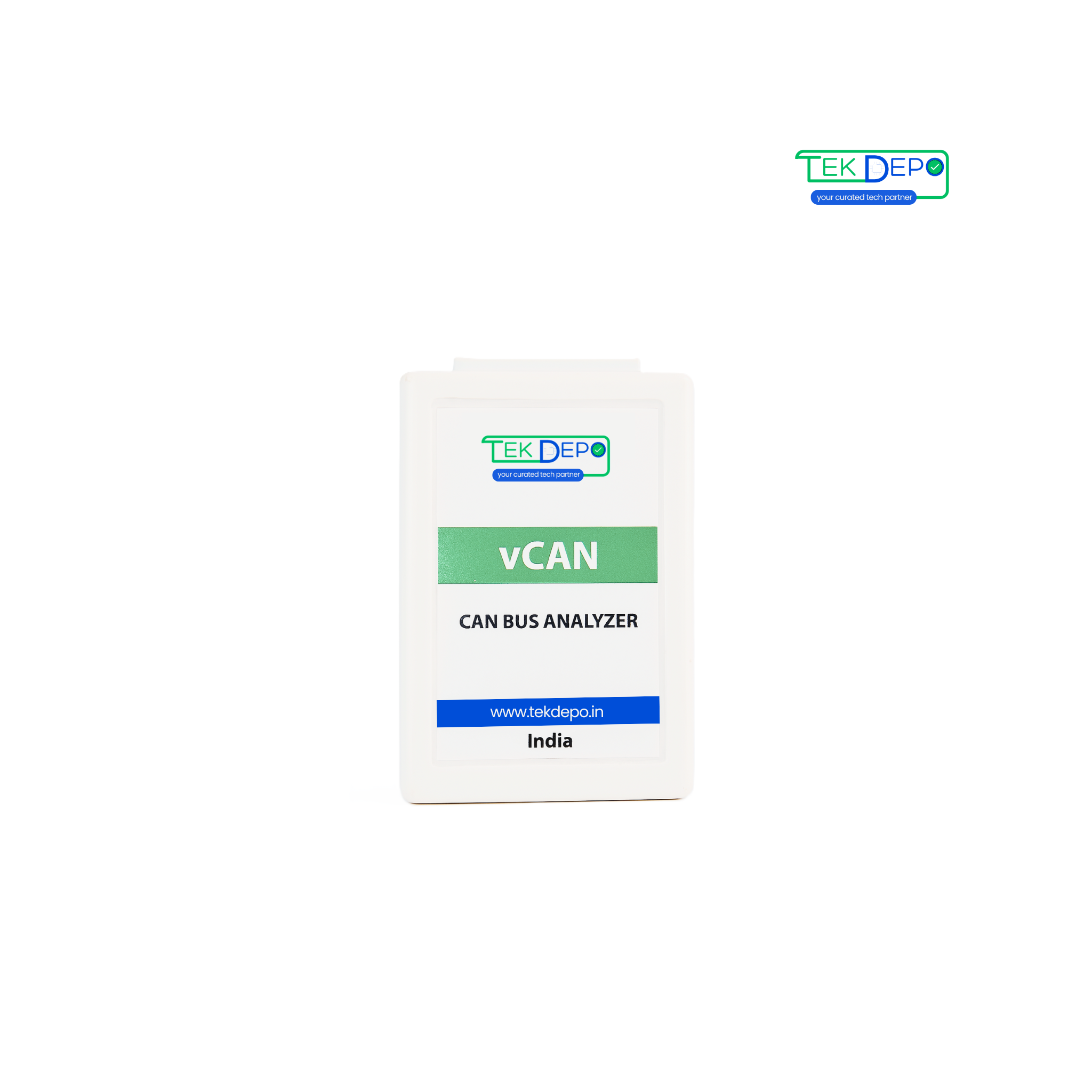
- Small size and compact plastic casing.
- Free CAN application software for Windows® with an attractive and user-friendly GUI.
- API SDK support for custom GUI and application development.
Typical Applications
- CAN Network Analysis & Troubleshooting.
- Battery Management System.
- Vehicle Network Analysis & Troubleshooting.
- CAN 2.0A and CAN 2.0B machines monitoring.
FAQs CAN to USB Analyzer
Can't find what you're looking for?
Chat to supportIt allows CAN bus devices to connect directly to a computer via USB for monitoring and testing.
Yes, depending on the operating system, USB drivers may be required for device recognition.
Most CAN to USB converters support Windows and Linux environments.
In many cases, the converter is powered directly via the USB connection.
Verify USB cable integrity, driver installation, and system compatibility.
Need Human Support?
Our experts are ready to help. Schedule a dedicated support session.