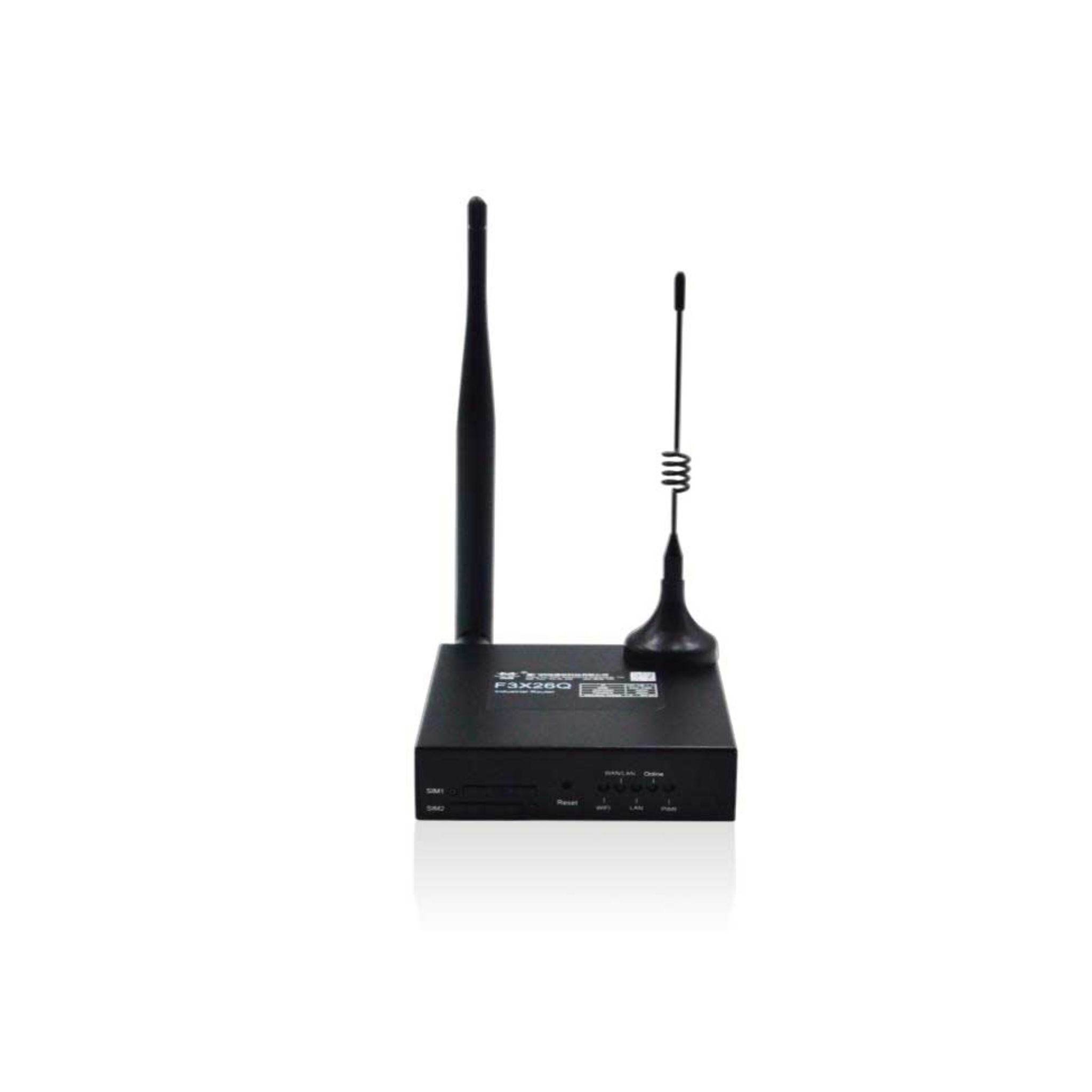
Support for SIM WiFi Router
Learn how to get started with SIM WiFi Router, explore manuals, downloads, and troubleshooting below.
Downloads
Get the latest documentation, drivers, and software tools for your device.
No downloads available
There are currently no downloadable resources, manuals, or software available for this product.
Troubleshooting Wizard
Select the issue you are facing to see step-by-step solutions.
Tutorial Videos
Watch visual guides for installation, configuration, and troubleshooting.
Content Uploading Soon
Our product team is currently producing video tutorials for SIM WiFi Router product. Check back shortly!
Technical Specifications
Cellular & Network Specifications
- Supported Networks
- 4G LTE, 3G, 2G cellular networks
- WAN Connection Types
- Static IP, DHCP, PPPoE
- Network Protocols
- TCP/IP, UDP, HTTP, FTP (optional)
- VPN Support
- GRE, IPsec
- Firewall & Security
- SPI firewall, access control, URL filtering
Wireless & WiFi
- WiFi Standard
- IEEE 802.11 b/g/n
- WiFi Modes
- AP, Client, Bridge (optional)
- Maximum WiFi Speed
- Up to 144 Mbps
- Wireless Security
- WEP, WPA, WPA2
Interfaces & Connectivity
- Serial Interfaces
- RS232, RS485, RS422
- Ethernet Ports
- 1 x LAN, 1 x WAN (10/100 Mbps)
- SIM Slot
- Single SIM (Dual SIM optional)
- Antenna Interfaces
- SMA cellular and WiFi antenna connectors
Hardware & System
- Processor
- Industrial-grade 32-bit CPU
- Operating System
- Embedded Linux
- Memory
- DDR2 128MB, Flash up to 128MB
- System Protection
- Hardware watchdog, auto recovery, ESD protection
Power & Environmental
- Input Voltage
- DC 5V to 36V wide-range input
- Power Protection
- Reverse polarity and over-voltage protection
- Operating Temperature
- -35°C to +75°C
- Storage Temperature
- -40°C to +85°C
- Humidity
- Up to 95% non-condensing
Mechanical
- Enclosure
- Metal casing
- Protection Class
- IP30
- Dimensions
- 93 x 89 x 24 mm
- Weight
- Approximately 250 g
FAQs SIM WiFi Router
Can't find what you're looking for?
Chat to supportA SIM WiFi router provides wireless internet access using a cellular SIM card.
Multiple devices can connect depending on network conditions and router capacity.
Basic setup may include APN configuration and WiFi security settings.
The router is powered using an external power adapter.
Yes, technical support is available through the TEK DEPO support portal.
Need Human Support?
Our experts are ready to help. Schedule a dedicated support session.